
Steps to accept an invitation:
-
When an invitation is sent, a ‘Pending Invitation’ notification appears on the right side of the main menu from the respective organization.

- Clicking on the notification directly accepts the invitation.
- As an alternative, Navigate to the user profile on the top right corner.
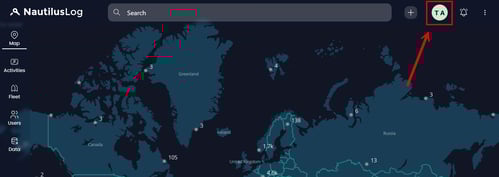
- Select the organization which appears in the Organizations list.
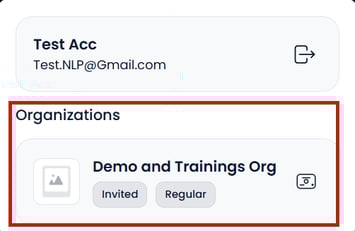
- The system will display the brief Organization profile view along with the invitation at the bottom, as shown.
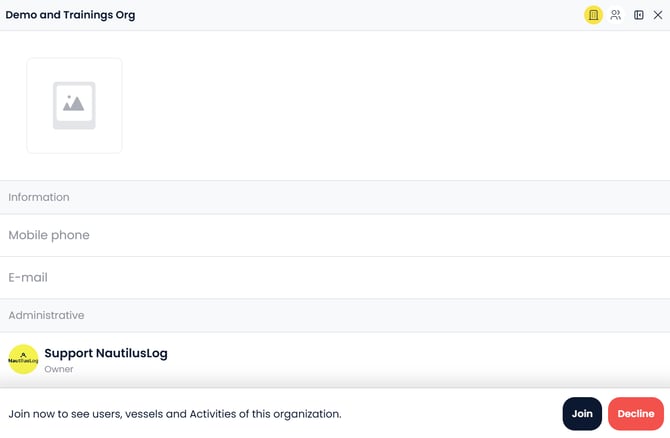
- Proceed to accept the right invite and be a part of the required organization.